Google Business Profile checklist: what to set up, and what changed in 2026
By Capital Growth Studio · Published · 6 min read
Google took away chat and Q&A. It didn't take away the basics.
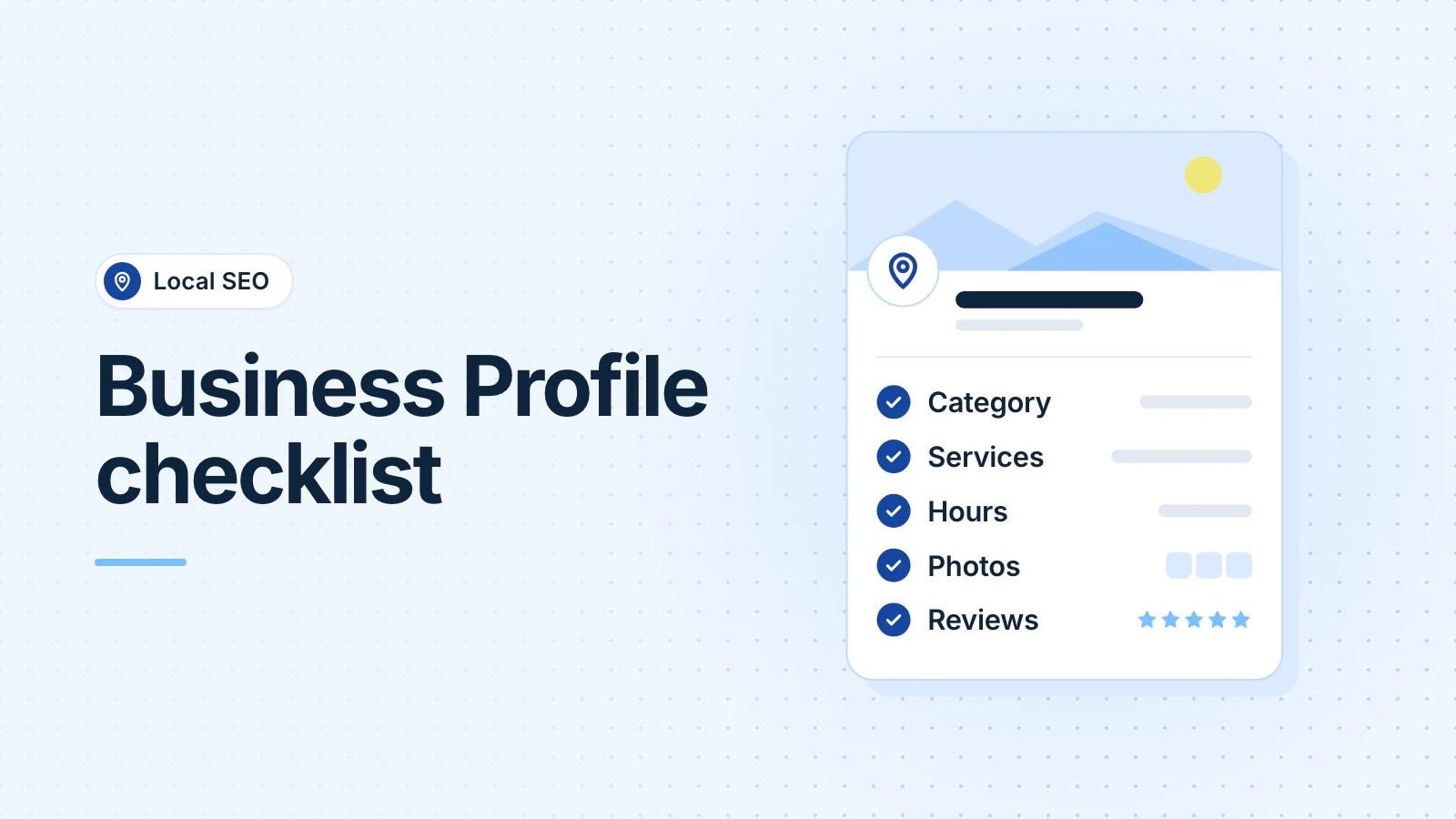
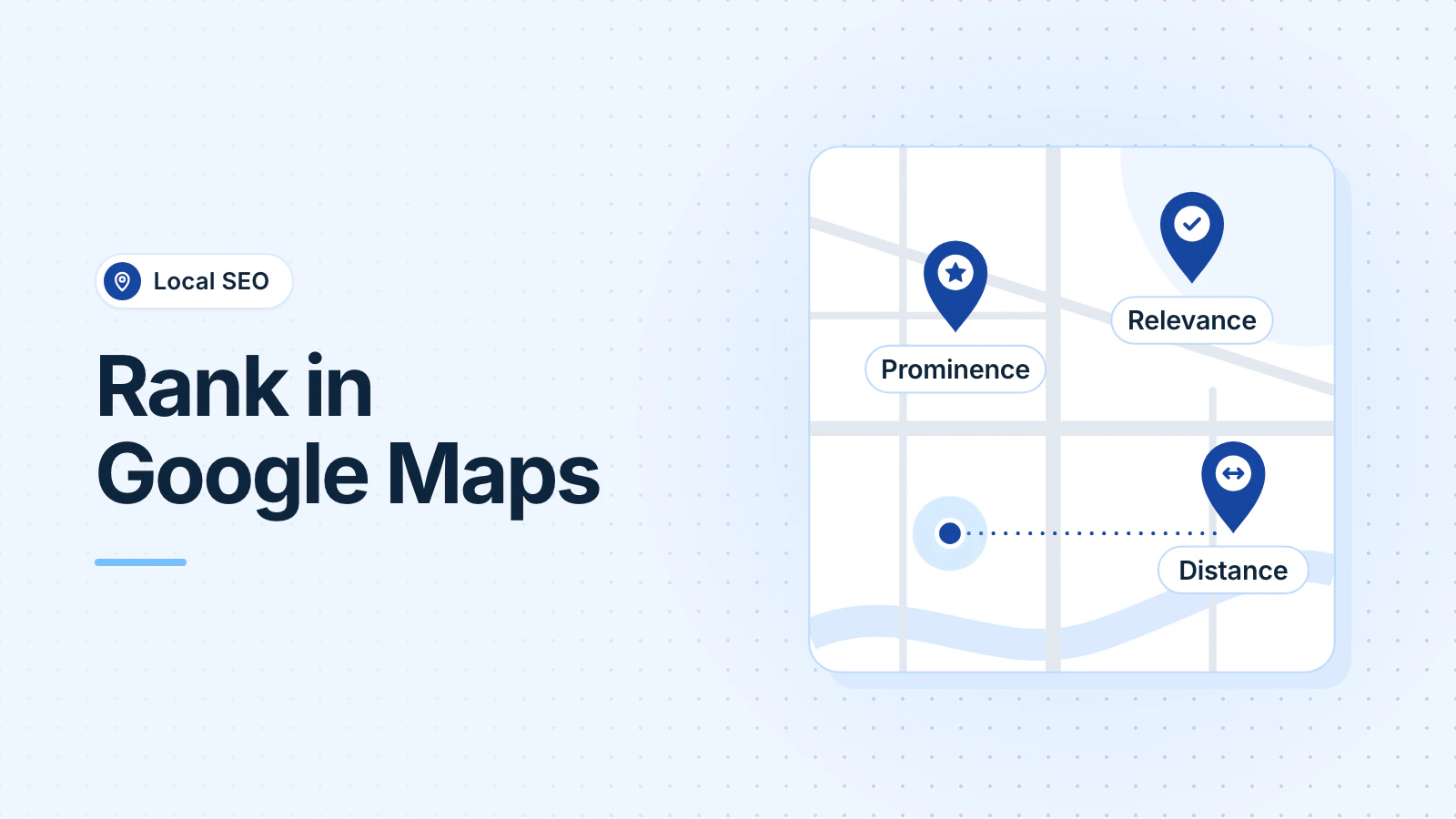
To get more calls from your Google Business Profile, make sure you own and have verified it, choose the most specific primary category, keep your hours and services accurate, add real photos, and ask every customer for a review. Google ranks local results on relevance, distance and prominence. A complete, accurate profile is the part you control.
Google also says there is no way to pay for a better local ranking (Google Business Profile Help), so ignore anyone who sells a guaranteed spot.
Who should own your Business Profile?
Search Google for your business name and city. Claim the profile or add one, then verify it (Google: verify your business). Google decides which methods you're offered. If it offers a video call, which it recommends, be ready to show your signage, branded vehicles or tools, and something only the owner can open.
If Google mails you a postcard, don't edit your business name, address or category while you wait, and don't request a new code. Either one can restart the process.
The profile should belong to a Google account your business controls, not your web designer's or a former employee's. Managers can do almost everything owners can, except add or remove users or delete the profile (Google: owners and managers). Anyone who helps you, including us, should be a manager, never your only owner.
Which category and services should you choose?
Your primary category tells Google what you are. Pick the most specific one that fits your core business, such as "HVAC contractor" rather than "Contractor." Primary category was the top-ranked factor for the map results in Whitespark's 2026 Local Search Ranking Factors survey, which asked 47 local search practitioners to score 187 factors.
Add a secondary category only for work you do. Google's guideline is to "choose the fewest number of categories it takes to describe your overall core business" (Google: guidelines).
Then fill in Services. Pick Google's predefined services where they fit, and add custom services in your customers' words, such as "AC repair" or "furnace replacement." Services also give Google's AI something specific to quote when a customer asks whether you do a job.
Which business details matter most?
- Address or service area: if customers come to you, show your address. If you go to them, switch off "Show business address to customers" and set a service area instead. You can list up to 20 areas, within about two hours' drive of your base (Google: service areas).
- Hours, including holidays: being open at the time of the search ranked fifth in Whitespark's survey. Keep regular hours accurate, and set special hours ahead of holidays such as Thanksgiving and July 4.
- Business name: use your real-world name, as it appears on your sign. Google says adding unnecessary information to your name "isn't permitted, and could result in the suspension of your Business Profile" (Google).
- Description: up to 750 characters, with no links, prices or sale language (Google). Say what you do, who for and where.
What photos should you add?
Start with a logo, a cover photo, your storefront or vehicles, your team and finished work. Add new photos as you finish jobs. Google says an image "should represent reality" (Google: photos and videos). Avoid stock photos, and don't use AI-generated ones: Whitespark's 2026 survey added them as a negative factor.
How do you get more Google reviews without breaking the rules?
Google counts the number and quality of your reviews as part of prominence (Google). So ask every customer, all year, rather than in one push.
Google gives you a review link and a QR code that you can text, email or print (Google: tips to get more reviews). Send it right after the job.
Know the rules. Google doesn't allow you to offer anything for a review, discourage negative reviews or ask only happy customers (Google Maps content policy). Since October 21, 2024, an FTC rule has banned fake reviews, paying for reviews that express a particular opinion, and suppressing negative ones. Courts can impose civil penalties for knowing violations (FTC).
Reply to reviews, good and bad. Keep replies short and specific, leave out promotions, and take a complicated complaint to a phone call or email.
What replaced Business Profile chat and Q&A?
- Chat: Google ended Business Profile chat on July 31, 2024 (Google). The call button still works, and some eligible profiles can offer text message or WhatsApp instead.
- Q&A: Google shut down the Q&A API on November 3, 2025 (PPC Land). Customers now ask their questions in Google Maps and "get an updated, instant answer based on your answers and relevant reviews" (Search Engine Roundtable, quoting Google).
- Ask Maps: on March 12, 2026, Google began rolling out "Ask Maps," a Gemini-based button in Google Maps that answers detailed questions about places (Google).
AI now writes those answers from what it can find, so put your answers where it looks. BrightLocal's September 2026 study of AI search found business websites were 93% of the unique domains cited as sources (BrightLocal).
List your services, service area, hours and parking in your profile. Answer your customers' common questions on the website page your profile links to. Then open Google Maps on your phone, ask about your business the way a customer would, and fix the source of anything it gets wrong.
How do you see what your profile is doing?
Open your profile and choose Performance (Google) to see searches, views, calls, direction requests and website clicks. The numbers include Google Ads activity.
Add a tracking tag to the website link on your profile (for example
?utm_source=google&) so
Google Analytics shows those visits separately. Then write down the numbers once a month, so
you can compare this October with last October.
Frequently asked questions
Can a business in Maryland show up for searches in DC and Virginia?
Yes, if you serve those areas, though distance still counts. Add DC and the Virginia cities where you take jobs to your service area. Google allows a service-area business one profile for its whole area, so don't create extra profiles for each state.
How many Google reviews do I need?
Google doesn't publish a number. In BrightLocal's 2026 Local Consumer Review Survey, 47% of consumers said they won't use a business with fewer than 20 reviews, and 74% said they only care about reviews from the last three months. So keep new reviews coming every month.
Do Business Profile posts help my ranking?
Google hasn't said they do. Post when you have news a customer would care about, such as a seasonal service (furnace tune-ups in October), holiday hours or an event. You don't need a weekly schedule. Whitespark's expert panel lists keyword-stuffed posts as a negative factor, so write posts for people.
Updated .