Google Business Profile suspended or verification failed: how do you get it back?
By Capital Growth Studio · Published · 6 min read
Fix the cause, send matching documents, then wait. Don't start a new profile.
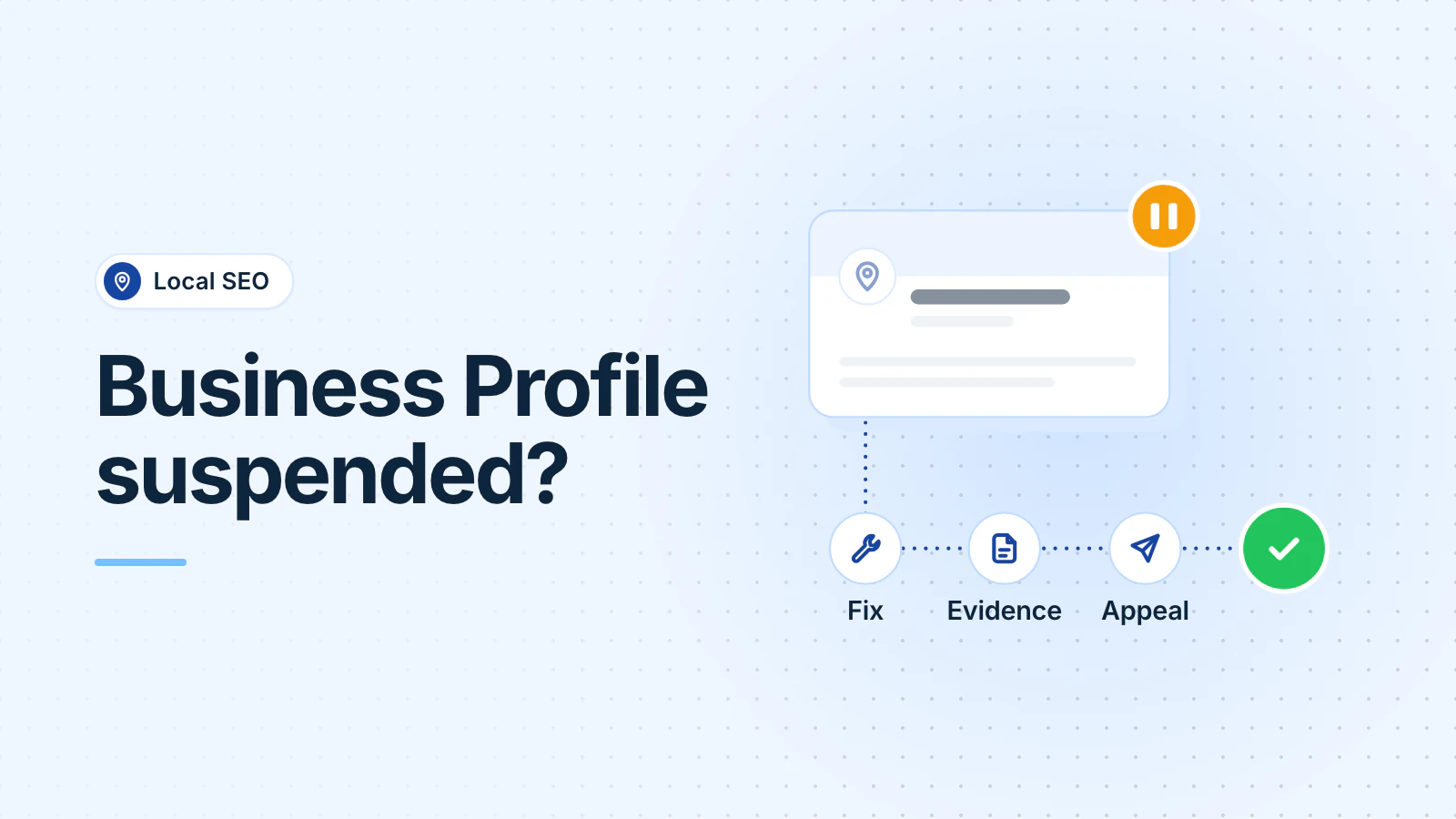
Google suspends a Business Profile when it decides the profile breaks its guidelines, for example with keywords in the name, an ineligible address or a second profile. To get it back, fix the cause, then appeal in Google's appeals tool with documents that show the same name and address. If video verification failed, record a new video that fixes Google's stated reasons.
This guide quotes Google's own help pages. For setup basics, see our Business Profile checklist.
Why do Business Profiles get suspended?
Google suspends or disables profiles that don't follow its guidelines (Google: fix suspended profiles). Google's own rules name these problems:
- Extra words in the name. Adding unnecessary information, such as keywords or a city, to your business name "could result in the suspension of your Business Profile" (Google: guidelines).
- An ineligible address. A P.O. box address gets a profile suspended (Google: policy overview). A virtual office isn't eligible. A co-working office qualifies only with signage, staff and customers during business hours (Google: guidelines).
- A home address on show. A service-area business, such as a plumber who works from home, should hide its address and set a service area (Google). Google checks businesses against user reports and licensed data, and it disables a profile if it decides the business doesn't exist at that location (Google).
- More than one profile for the same location (Google).
- An ineligible business, such as a lead generation company or an online-only business (Google).
If Google restricts your Google Account for a pattern of violations, every profile under that account is suspended (Google).
Which edits can trigger re-verification?
Edits to your core details. Google says you might need to verify again after you change your business name, and you must verify again after you move to a new address. It also reviews edits before they go live (Google: edit your profile). It may reject significant changes to your name or category (Google).
If the "Get verified" button comes back on your profile, Google couldn't completely verify the business, and you need to verify again. Google says a request for more information is likely due to a recent change to your details (Google: verify your business).
So change those details only when the real business changes, and update your signage, website and documents first. Make one change at a time, so you can tell which one Google objected to.
How do you appeal a suspension?
Fix the problem first, then appeal with evidence (Google: fix suspended profiles):
- Open the Business Profile appeals tool. It shows the reason for the suspension and links to the policy.
- Fix that issue on the profile. Owners and managers can still edit a suspended profile (Google).
- Submit the appeal. If you add evidence, submit the evidence form within 60 minutes of opening it, or your documents won't be attached.
- Wait for Google's email. The tool shows the status: Submitted, Approved, Not Approved, Can't be appealed or Eligible for appeal.
If Google restricted your whole account, appeal the account first on your Google Account restrictions page, then appeal the profile.
What evidence should you prepare?
Prepare documents in the business name. Google lists these kinds of evidence (Google: evidence):
- Official business registration
- A business license
- Tax certificates
- Utility bills for the business, such as electricity, phone, water or internet
Google's tip is to check that the business name and address on each document match the profile you're appealing.
In DC, whether you need a Basic Business License depends on the business activity. If you do, you need one for each location, and a home-based business also needs a Home Occupation Permit (DLCP). Maryland licenses home improvement contractors through the Maryland Home Improvement Commission (Maryland Labor), and Virginia licenses contractors through its Board for Contractors (DPOR). Each of those can serve as the "business license" on Google's list if the name and address match the profile. This is general information, not legal advice.
How do you pass video verification?
Plan your shots, then record one continuous take of at least 30 seconds through your Business Profile on your phone. Don't show bank, tax or ID numbers, private information or other people's faces (Google: video verification).
For a service-area business, such as an HVAC company run from a home in Fairfax County, the video must show:
- Where you operate: street signs or landmarks near your base. A home-based business can film its neighborhood.
- That the business exists: your tools, equipment, branded clothing or business cards.
- That you run it: open your branded van with your key, do part of a job, or show a permit, invoice or utility bill in the business name.
For a storefront, such as a med spa, show the street and building number, a permanent sign with the same name as the profile and an employee-only area such as a storage room.
If the video fails, Google lists the reasons, such as "Business name not visible on storefront." Record a new video with everything from the first one, plus what was missing. If the upload fails, try again. Google says a review can take up to 5 business days.
What should you not do while you wait?
- Don't create a new profile for the same business. Google says not to while your appeal is under review, and its guidelines allow one profile per business.
- Don't keep changing your name, address or category. If you're waiting for a postcard, an edit stops the code from working (Google: verify your business).
- Don't share your verification code. Google says it will never ask for it, and you shouldn't give it even to your profile managers.
- Don't send altered documents or move to a virtual office address.
- Don't pay anyone who promises a reinstatement. Nobody outside Google can promise one.
Get help if an appeal is denied and you can't see what to fix. Google's help pages link to the Business Profile Help Community, where you can ask for free. Business Profile work is also part of our local SEO service.
Frequently asked questions
My appeal was denied. Is that the end?
Not always. Google says that after a denied appeal, it may be able to do an additional review. Use Google's additional review form and add evidence you didn't send the first time, such as a business license or utility bill that matches the profile.
Can I upload a video I recorded earlier?
No. Google says pre-recorded videos aren't allowed. You must record live through your Business Profile on a mobile device, in one unedited take with no breaks, at least 30 seconds long.
My profile is back, but it doesn't show in Search. What now?
Contact Business Profile Help. Google says to do that for any issue with a reinstated profile. If reviews disappeared after the reinstatement, contact support too. Google says that can happen.
Updated .