Can you have a Google Business Profile without a storefront address? Google Business Profile Guide for Service-Area Businesses
By Capital Growth Studio · Published · 5 min read
This article explains how a business without a storefront can have a Google Business Profile. It also shows how to hide the address, set service areas and verify the profile.
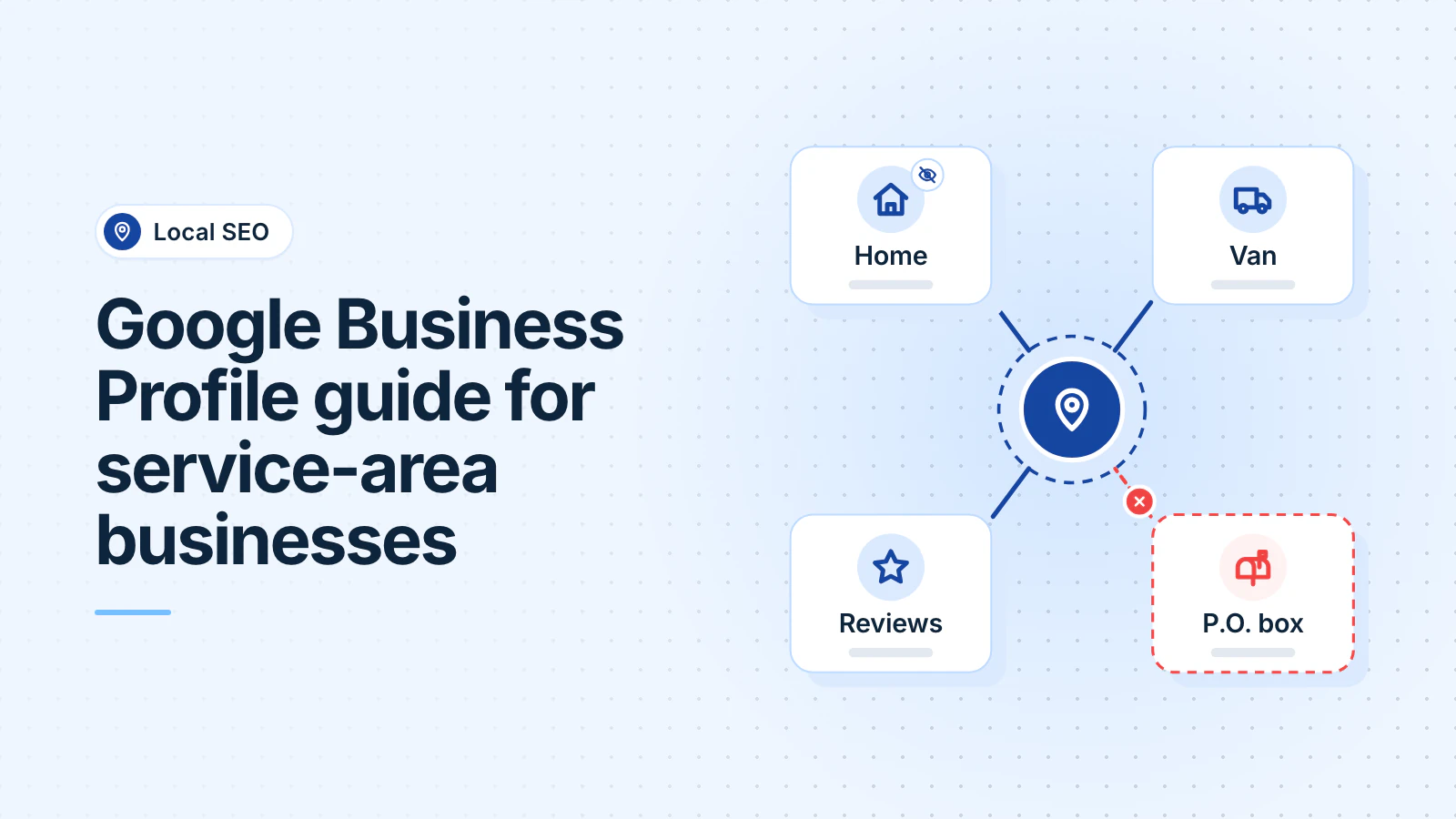
A service-area business visits or delivers to its customers. It does not serve customers at its own address. A Google Business Profile is the listing that shows a business on Google Search and Google Maps. A service area is the list of places where the business works.
Yes. As of October 2026, Google lets a service-area business hide its address and list up to 20 service areas. You still enter a real address, such as your home or shop, for verification. P.O. boxes and virtual offices are not eligible.
Want help with your Google profile? Apply for a free consultation
Which businesses can hide their address?
As of October 2026, Google sorts businesses by where they serve customers:
- Service-area business: for example, an HVAC company, electrician or remodeler that works from a home office or a shop.
- Hybrid business: it serves customers at its address and also goes to them.
- Storefront: customers come to an address with "permanent on-site signage."
Google says that a business without a permanent sign "should be listed as a service-area business."
Which address can you use?
| Address | What Google's guidelines allow |
|---|---|
| Your home | Allowed, but hidden. |
| A shop that customers do not visit | Allowed as the base for your service area, with the address hidden. |
| A virtual office (a rented mailing address) | Not eligible, unless it is staffed during business hours. |
| A co-working desk | Allowed only with clear signage, your own staff and customers who visit during business hours. |
| A P.O. box or remote mailbox | Not acceptable. |
If Google decides that the business does not exist at the claimed address, it disables the profile. Our guide to suspended profiles explains the appeal.
How do you hide your address and set your service areas?
As of October 2026, Google gives these steps:
- Go to your Business Profile. Select Edit profile, then Location.
- Next to "Business location," select Edit. Turn off "Show business address to customers" and select Save.
- Next to "Service area," select Edit. Add up to 20 cities, postal codes or other areas. You cannot set a radius.
- Keep the whole area within "about 2 hours of driving time" of your base.
If you hide the address but enter no service area, "a local area is chosen for you." Approved changes can take up to 48 hours to appear.
A made-up example: an electrician in Bowie, Maryland, hides the home address. The profile lists Prince George's County, Anne Arundel County and Washington, DC.
How does verification work without a storefront?
As of October 2026, Google chooses the verification methods for each profile. They can include phone or text, email, a recorded video, a live video call or a postcard. Google recommends video where it is offered.
For a service-area business, the video is one live, unedited recording of at least 30 seconds. It shows three points:
- Where you operate: street signs or landmarks at your business address. From home, you "can record landmarks and signs in your immediate neighborhood."
- That the business exists: tools, equipment or branded clothing.
- That you manage it: you perform a service or unlock a branded van. Or you show a permit, invoice or utility bill in the business name.
Practice the video before you record it. Keep your license, registration, insurance and a recent utility bill ready for verification or an appeal.
What else helps customers find you?
As of October 2026, Google bases local results "mainly" on relevance, distance and popularity. These parts of your profile help:
- Complete details: a business with complete and accurate details is "more likely to show up in local search results."
- Reviews: more reviews and positive ratings can help your local ranking. Ask every customer for a review soon after the job.
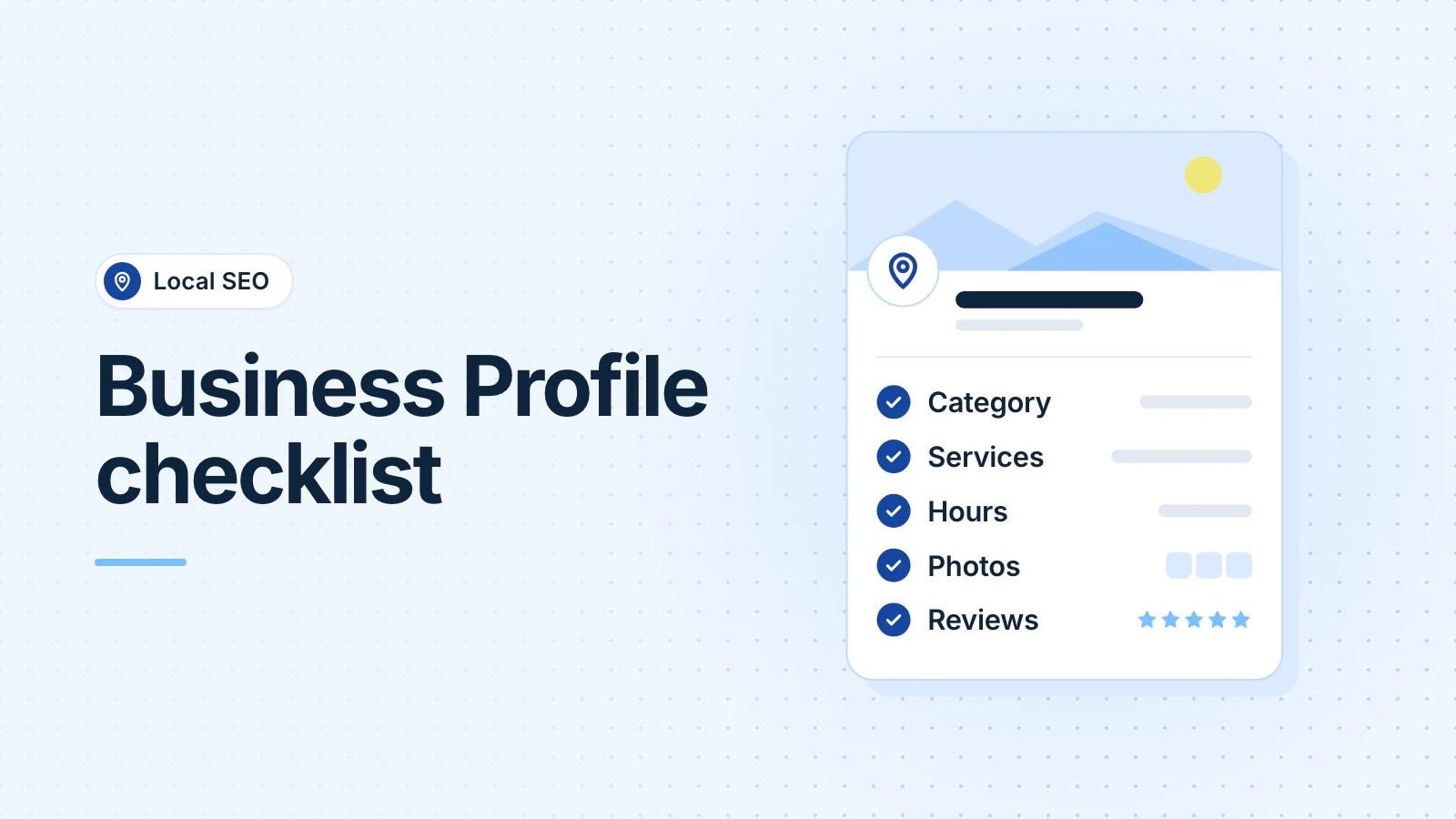
- Photos: photos and videos "show customers what you offer." Add photos of your crews, vans and finished work. Our Business Profile checklist covers photos.
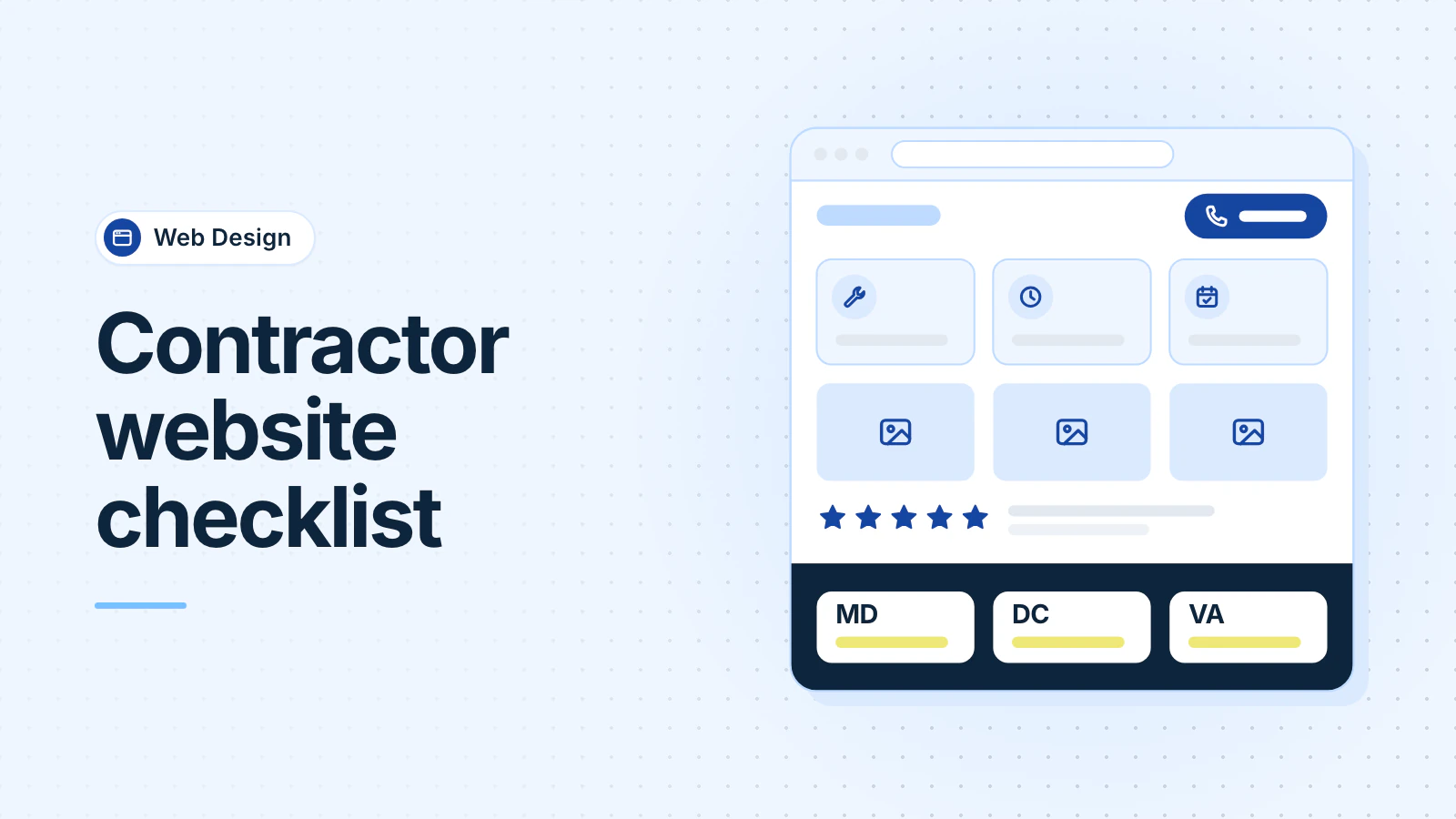
Two local search firms, Sterling Sky and Whitespark, report that service areas do not affect rankings. For other towns, Sterling Sky suggests website pages aimed at specific, longer searches. Our contractor website checklist covers these service-area pages.
Frequently asked questions
Does hiding my address hurt my Google ranking?
Not according to Whitespark, a local search firm. It reports that showing or hiding the address has no impact on rankings. Sterling Sky, another firm, reports that rankings are "primarily tied to the physical address used to verify the business."
Can I have one profile for my home and another for my shop?
Not for one business with one crew. As of October 2026, Google allows a service-area business one profile for its whole area. Google allows a second profile only for a separate location with its own service area and staff.
Updated .
Sources: Google Business Profile Help: service areas; Google Business Profile guidelines; Google Business Profile policies; Google Business Profile Help: address and service area; Google Business Profile Help: verification; Google Business Profile Help: video verification; Google Business Profile Help: local ranking; Sterling Sky, September 2026; Whitespark, October 2024.