Is Zocdoc worth it for a medical practice in DC, Maryland or Virginia?
By Capital Growth Studio · Published · 6 min read
Judge it by the cost per new patient who shows up. Then compare it with booking links you own.
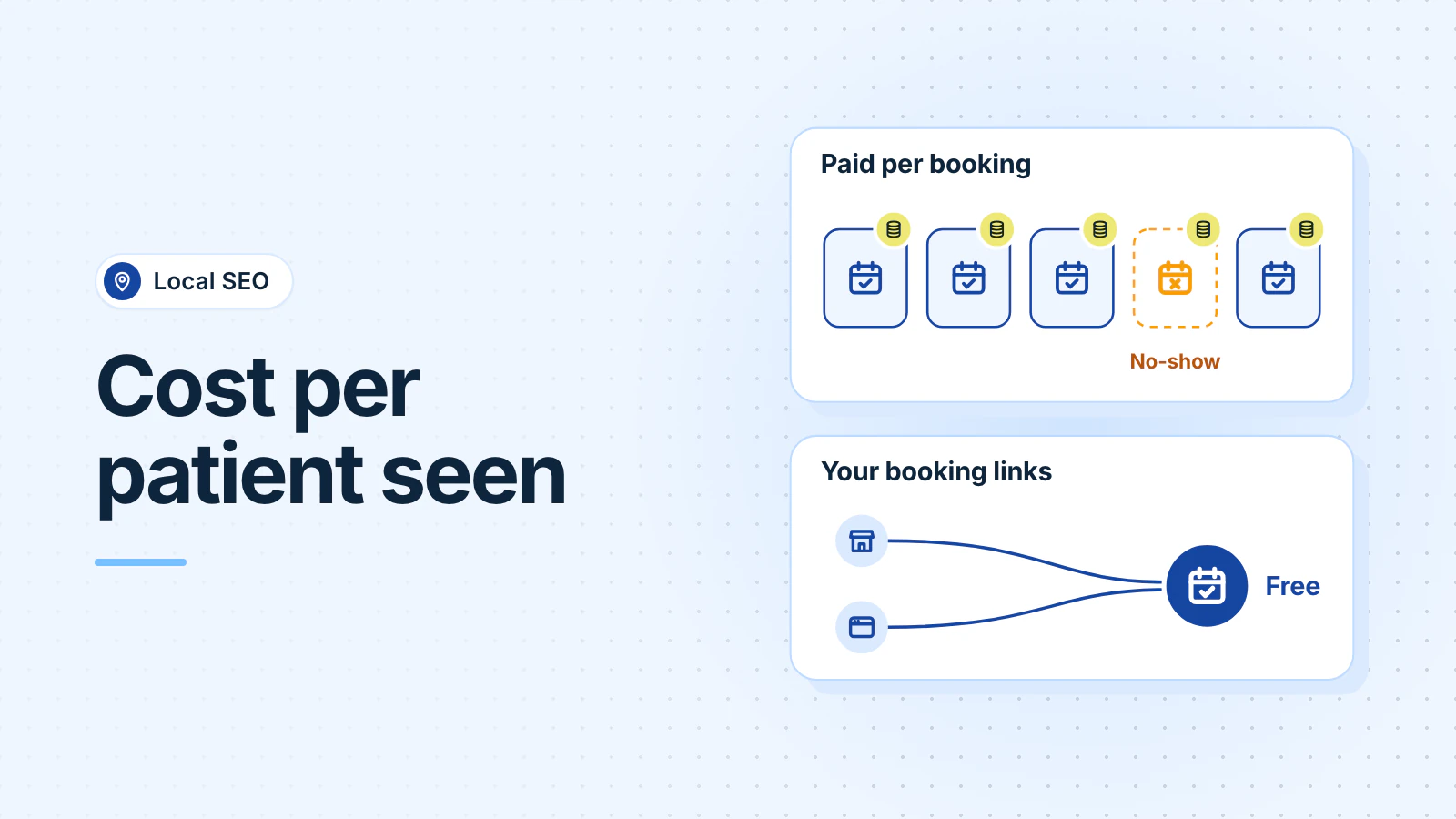
Zocdoc is worth it for a practice when its booking fees, divided by the new patients who come in, cost less than those patients bring in over time. Zocdoc charges when a new patient books, even if they don't show up. It charges nothing for bookings through your website or your Google Business Profile.
Zocdoc doesn't publish a fee list, so a practice in Bethesda, Arlington or the District has to ask for its own. Here's how the charges work, from Zocdoc's own pages.
How does Zocdoc charge providers?
Zocdoc says there are "no upfront fees or subscription costs" to join its Marketplace, the app and website where patients look for new providers. You pay "a one-time booking fee when a new patient books through the Zocdoc app or website" (Zocdoc Help Center, October 2026).
- Price: fees "vary based on provider specialty and location." Get your fee for each specialty in writing.
- Who counts as new: new to the provider, not to the practice. A patient who saw one of your doctors and books with another counts as "new."
- Billing: an invoice each month for the previous 30 days of bookings.
- Limits: you can set a monthly spend cap, pause spending, or turn off single providers (Zocdoc, December 2025).
Sponsored Results, Zocdoc's paid placement, costs extra. You set a bid per booking that's charged "on top of your new patient booking fee." It isn't refunded when a patient cancels, and Zocdoc charges it even when an existing patient books through a sponsored listing (Zocdoc Help Center). These charges don't count toward your spend cap (Zocdoc).
Which Zocdoc bookings are free?
Zocdoc doesn't charge a booking fee for:
- Existing patients who book with a provider they've seen before, even on the Marketplace.
- Bookings through Zocdoc's Book Online Button on your own website.
- Bookings through your Google Business Profile.
Zocdoc also says its online scheduling, intake, reminder and video tools are free, alone or together (Zocdoc pricing). Its dashboard shows bookings by source and your "free vs. paid mix" (Zocdoc), so check how many patients came through channels you already own.
What happens when a patient cancels or doesn't show?
You still pay. The fee applies "even if they end up rescheduling or don't show up for their appointment." Zocdoc says no-shows "are a reality for any practice" and that "the pricing structure accounts for this." It sends patients reminders by email and text (Zocdoc Help Center).
There are two exceptions. You "may not be charged" if the patient cancels within 24 hours of booking and before the appointment (Zocdoc Help Center). And if a returning patient books as new, report it within 7 days. If Zocdoc confirms it, you get a credit.
So your no-show rate decides much of your real cost. Zocdoc's Appointment Report shows the outcome of each booking.
How do you work out your cost per new patient?
- Add up everything you paid Zocdoc over the last three to six months: booking fees and any Sponsored Results charges.
- Count the new patients who came to their first visit. Not bookings: patients seen.
- Divide what you paid by the patients seen. That's your cost per new patient.
- Compare it with what a new patient brings in over time. Zocdoc's own formula multiplies revenue per completed visit by the expected number of visits and your collection rate (Zocdoc, August 2026).
A made-up example: you paid $1,200 for 20 new-patient bookings, and 15 patients came in. That's $60 per booking, but $80 per patient seen. If a typical new patient returns for three visits that each leave $100 after costs, $80 is a fair price. If most come once for a low-margin visit, it may not be.
Ask every new patient how they found you, and write it down.
How do booking links you own compare?
Your Google Business Profile can carry booking links. Google allows up to 10 links per category and lets you mark one as "Business preferred" (Google Business Profile Help, October 2026). Point one at your own online scheduling page. Google also warns that "when you book through Google, your provider might charge you," so check each booking partner's terms (Google).
| Channel | How you pay |
|---|---|
| Zocdoc Marketplace | A fee per new-patient booking, set by specialty and location. No-shows still cost you. |
| Zocdoc Sponsored Results | A bid per booking, on top of the booking fee. |
| Google Business Profile booking link | Free to add. Zocdoc charges no fee for bookings made there. |
| Your website | You pay to build and host it. Zocdoc's button there is free. |
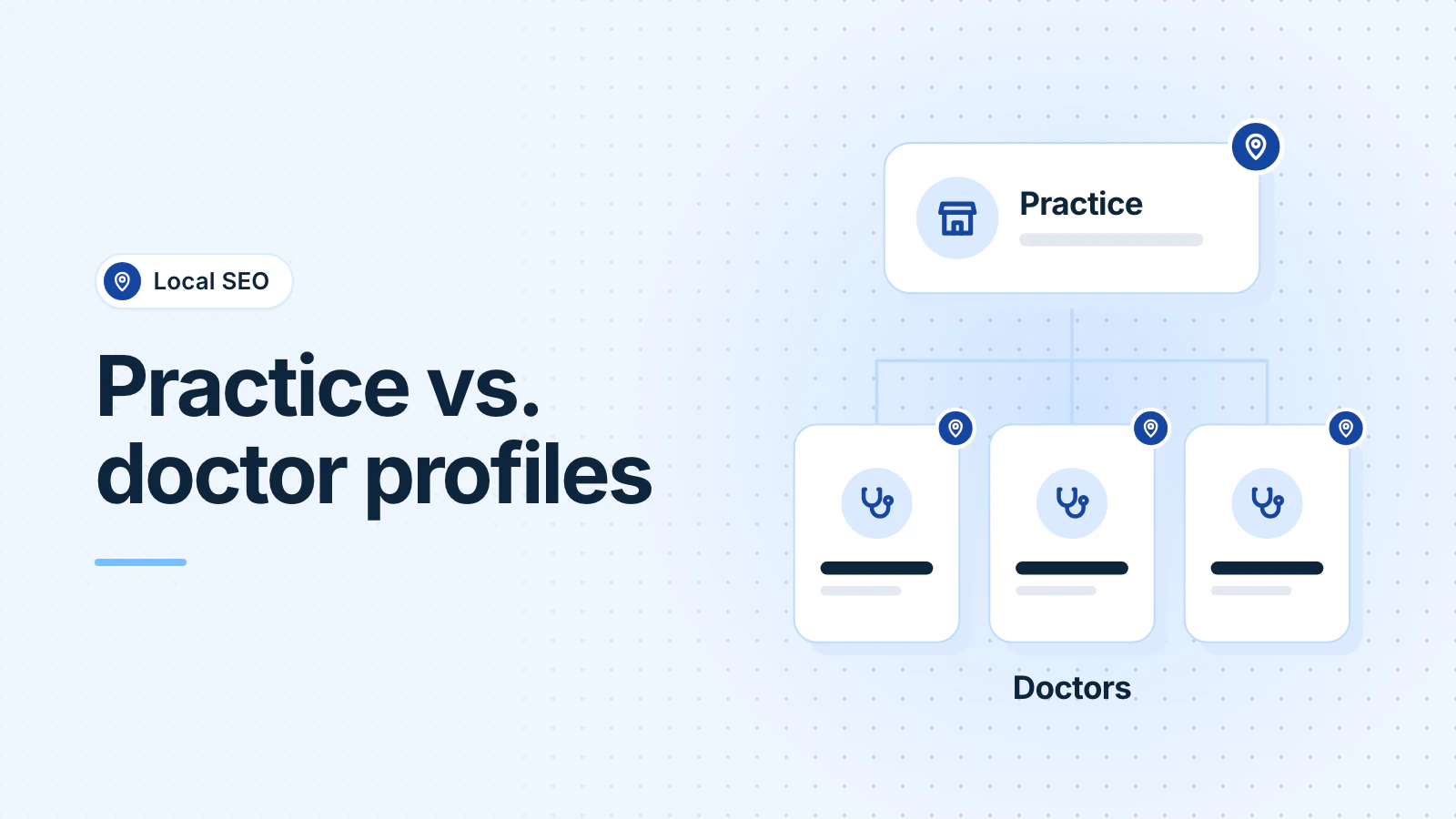
A profile and a website need upkeep, and nobody can promise them a ranking. But a patient who books there costs you no booking fee, and the reviews stay with your practice. Our guide to Business Profiles for doctors covers practice and provider listings.
When is Zocdoc worth it for a practice?
Zocdoc itself says the economics "tend to be stronger where patients stay in care and more challenging where visits are infrequent or one-time" (Zocdoc). So it's more likely to pay off when:
- A new provider has open slots to fill.
- Patients come back for ongoing care, so one fee spreads over many visits.
- Few of your Zocdoc bookings turn into no-shows.
It's a weaker fit for one-time visits, low-margin visits or a schedule that's already full. And because fees vary by location, a colleague's fee in another city tells you little.
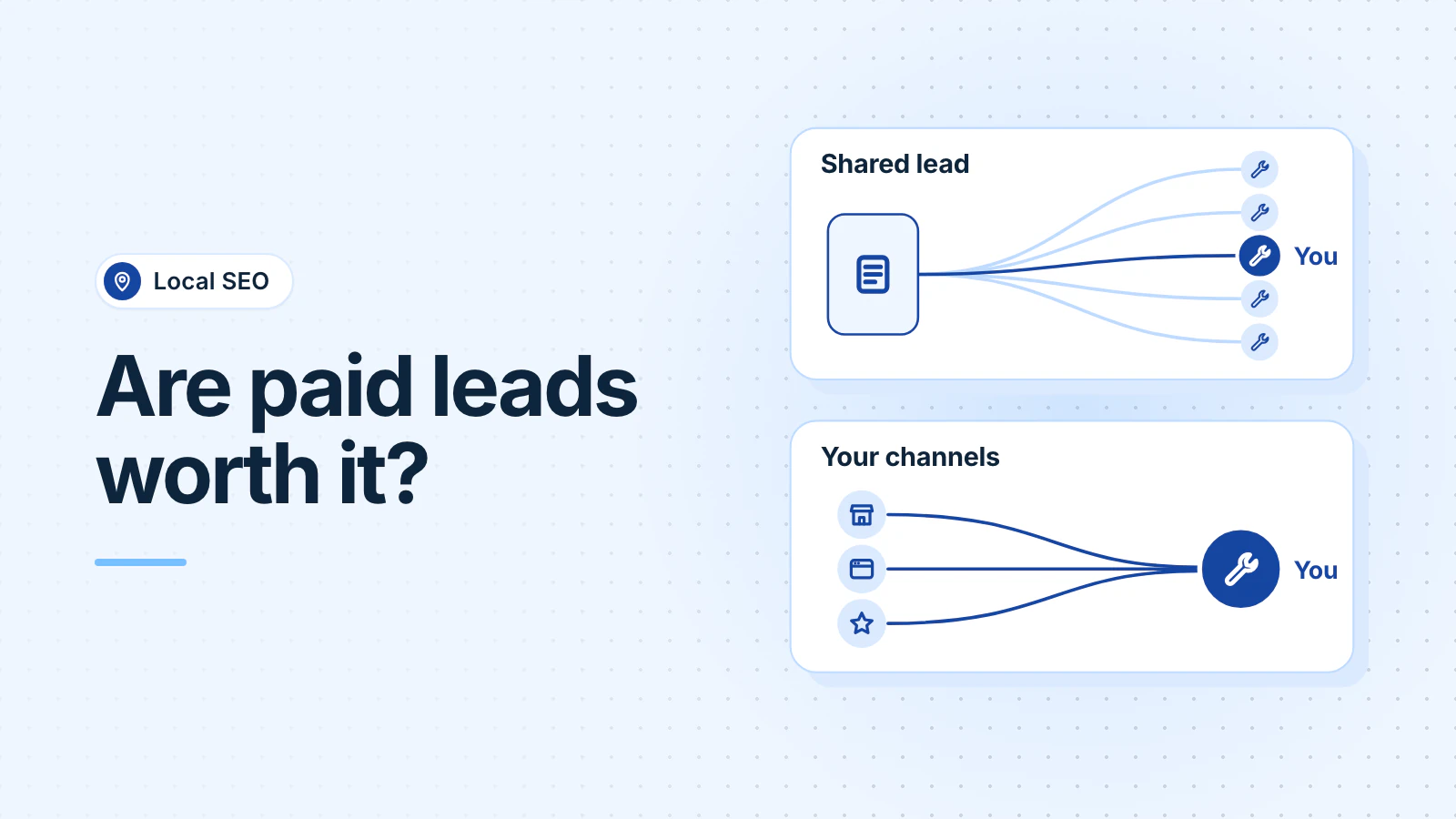
A sensible plan is the one we suggest for Angi and Thumbtack leads: keep a paid platform while it pays for itself on your numbers, set a spend cap, and build your own booking channels at the same time. See how we help medical practices with their profiles and websites.
Frequently asked questions
Are Zocdoc's scheduling tools free without the Marketplace?
Zocdoc says its online scheduling, intake, reminder and video tools are free for providers, and that you can sign up for single tools. Marketplace fees apply to new patients who book through the Zocdoc app or website. Confirm this in your own agreement before you sign.
Can I pass the Zocdoc booking fee on to patients?
No. Zocdoc says its User Agreement and Community Standards don't allow providers to pass the fee on to patients, and that charging Zocdoc patients more is grounds for removal from the platform.
How do I remove a booking link I didn't add to my Google profile?
Open your Business Profile, select Booking, then Remove provider. Google says a provider must remove its link within 5 days of your request. If it doesn't, you can report a violation to Google.
Updated .