Why does my website get visitors, or rank well, but bring few calls?
By Capital Growth Studio · Published · 6 min read
Check these six things, in order, before you pay for a redesign.
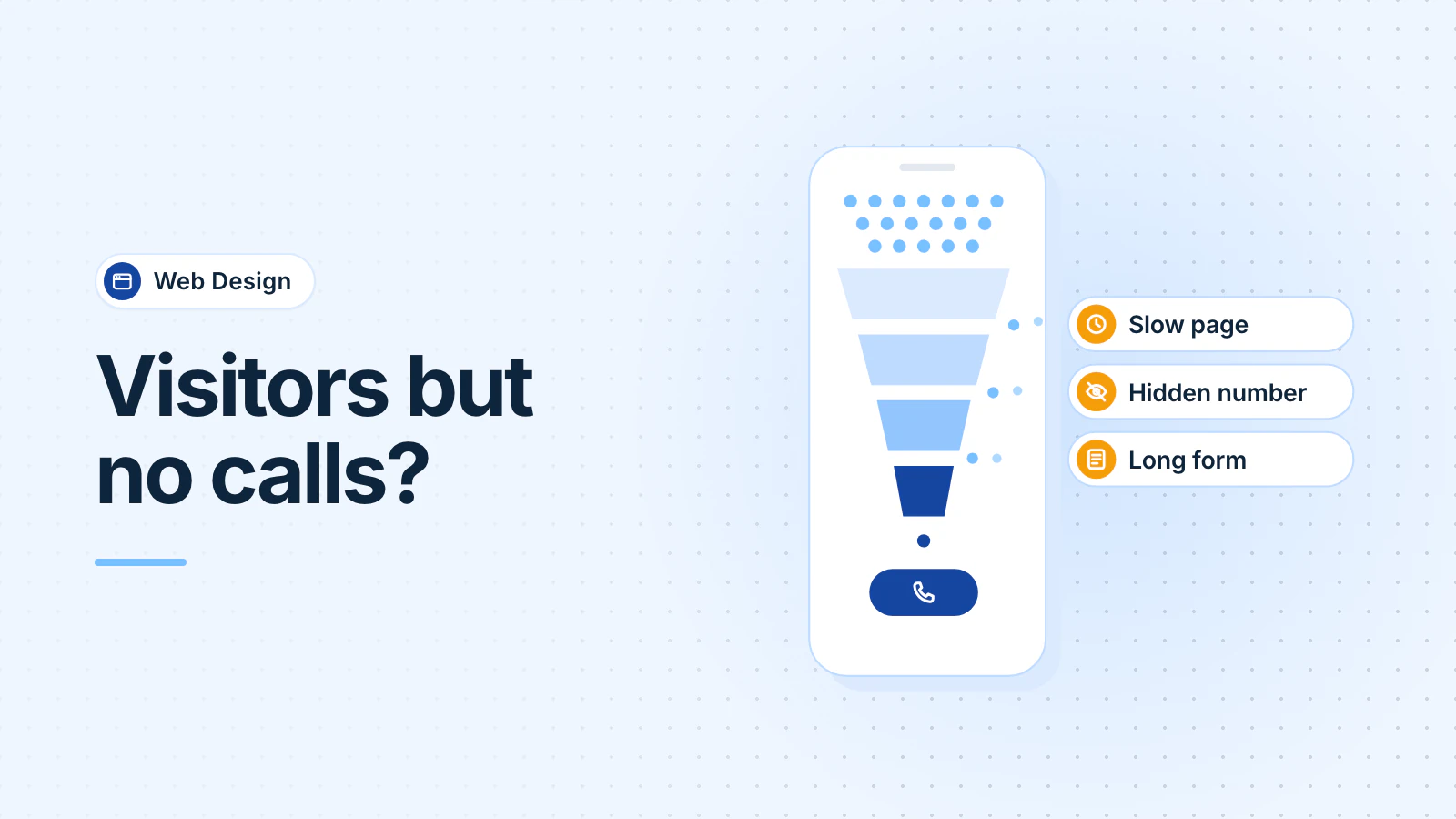
When a website gets visitors but few calls, check six things: who the visitors are, how the site works on a phone, how easy the phone number is to tap, what each page asks people to do, whether the form works, and whether the site proves you're licensed and real. Then check whether you're counting the calls at all.
You can run every check with your own phone and free tools from Google and Microsoft.
Are the right people visiting your site?
Traffic only helps if it comes from people who might hire you. Open Google Search Console, choose Performance, and look at the Queries tab. It lists the searches that showed your site and the clicks each one brought (Google Search Console Help). Then check the Countries tab.
Look for searches that won't turn into calls: job seekers ("HVAC technician jobs"), do-it-yourself questions ("how to reset a breaker"), towns you don't serve, or another company's name. A post that ranks for a DIY question can bring plenty of visits and no calls. That's fine, but don't count those visits as leads.
If you rank well but get few calls, check what you rank for. A top spot for a phrase few local people search brings few visits. And some customers call straight from your Google Business Profile without opening your site. Your profile's Performance page counts taps on its call button (Google Business Profile Help), so check it before you blame the website.
Does the site work well on a phone?
Open your site on your own phone, on cellular data rather than office Wi-Fi, and try to book a job. Note where you wait or get stuck.
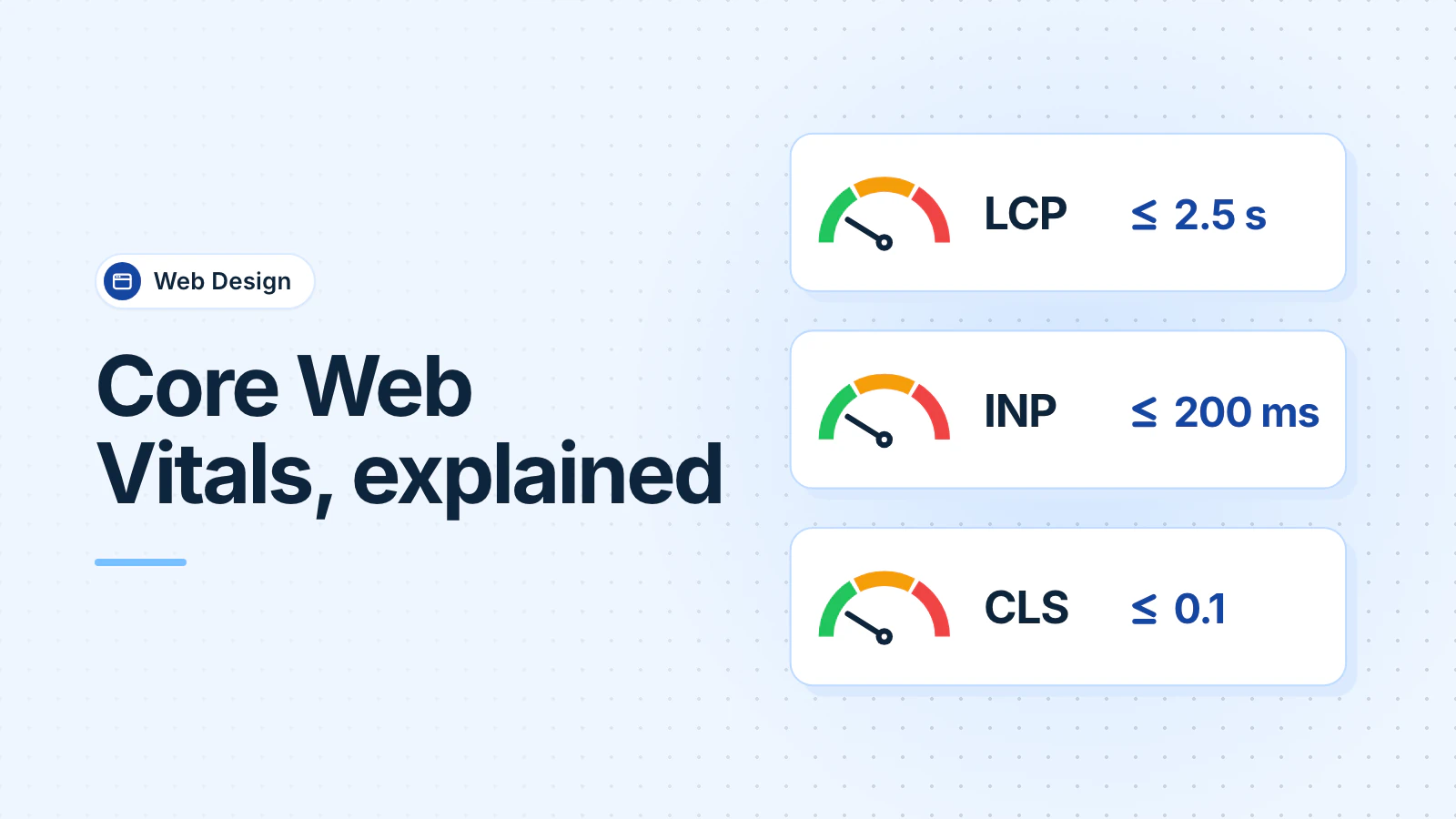
For speed, run your homepage and main service page through PageSpeed Insights, set to mobile. Our Core Web Vitals guide explains the scores and the usual fixes.
For confusion, Microsoft Clarity shows recordings of real visits and heatmaps of where people tap and scroll. Microsoft calls it "a free service forever" (Microsoft Clarity FAQ). Watch ten recordings of visits from phones, and note where people stop. If you run a medical practice or med spa, ask whoever handles your privacy compliance before you add any recording or tracking tool.
Can visitors find and tap your phone number?
Put your phone number at the top of every page, as a link that dials when tapped. On phones, keep a call button in view as people scroll. Use the same number everywhere, and show your hours next to it.
Test it: tap the number on your own phone and check that it rings a line someone answers. If after-hours calls go to voicemail, say on the site when you'll call back.
Does each page tell visitors what to do next?
Each page needs one clear next step, stated near the top and again after the main content. "Call for same-day AC repair in Fairfax County" tells a visitor what happens next. "Learn more" doesn't.
Give each main service its own page, with the areas you serve and the call button. Someone who searched for "water heater replacement" should land on a page about water heaters, not on your homepage.
Does your contact form work, and does it ask too much?
Forms can fail without any warning. Send a test through your own form and check that it arrives in an inbox someone reads, not a spam folder or a former employee's email.
Ask only for what you need to call back: name, phone number and what they need, plus a ZIP code if you cover a wide area. After someone sends the form, tell them when you'll reply.
Forms and tracking can break after a website update, so test them once a month, yourself or as part of a monthly care plan.
Does the site show you're licensed and real?
Give visitors proof that you're who you say you are:
- License numbers. In Maryland, home improvement contractors must put their name and MHIC license number in every advertisement (Maryland Department of Labor). The Commission's February 2021 bulletin says that includes company websites (MHIC, 2021). If you also work in Washington DC or Virginia, check those licensing rules too. This is general information, not legal advice.
- Real photos of your staff, vehicles and finished work, not stock images.
- Reviews, with a link to your Google reviews. Our Business Profile checklist covers how to get more.
- Who does the work. Medical practices and med spas should list each provider's name and credentials.
Can you tell which calls come from the website?
If you can't count website calls, you can't tell whether a change helped. Start with three steps:
- In Google Analytics, record taps on your phone link and form submissions as events. Then mark them as key events, Google's term for the important actions you want to measure (Google Analytics Help). Your web designer can set up the events.
- Ask every caller how they found you, and write it down.
- For exact numbers, use a call tracking service. It shows a separate phone number on your website and counts the calls to it.
If the service records calls, check the law first. Maryland law generally requires everyone on a call to consent before it's recorded (Maryland Code, Courts and Judicial Proceedings § 10-402), so play a notice at the start. This is general information, not legal advice.
What should you fix first?
- Tap your own phone number and send your own form. Fix anything broken today.
- Put a tap-to-call number at the top of every page.
- Set up key events for calls and forms, so you can measure the next change.
- Check your Search Console queries, and rewrite pages that attract the wrong searches.
- Run PageSpeed Insights on mobile and fix the slowest pages.
- Add license numbers, real photos and reviews.
If the site still brings few calls after that, a rebuild may be worth pricing. Our web design page explains how we build sites and what you own.
Frequently asked questions
How many calls should my website get?
There's no standard number, because it depends on your trade, area and traffic. Measure your own instead: count calls and form fills from the website for a month, then compare after each change. Your own trend tells you more than an industry average.
Do I need a new website to get more calls?
Not always. Fix the phone number, forms, tracking and trust details first, because they cost little. If the site is still slow on phones, hard to update or on a platform you can't change, rebuilding may cost less than patching it.
Is call tracking worth it for a small business?
If you spend money on marketing, yes. Start free: record phone-link taps in Google Analytics and ask callers how they found you. A call tracking service adds exact counts. If it records calls, Maryland law generally requires consent from everyone on the call. This is general information, not legal advice.
Updated .