Can AI handle a trade contractor's office paperwork?
By Capital Growth Studio · Published · 6 min read
AI tools for contractors are good at first drafts. A person still checks every number, date and code reference.
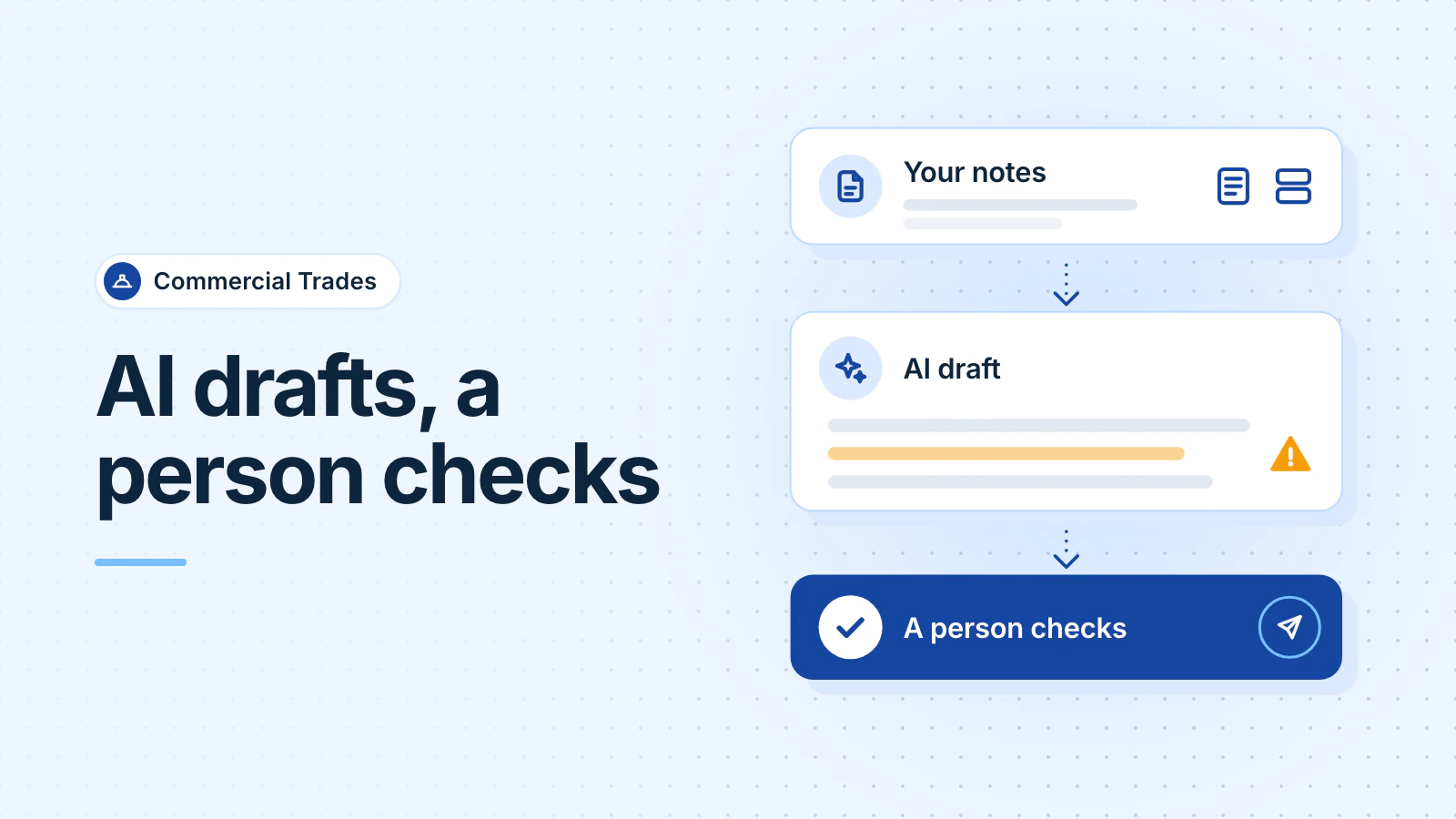
Partly. AI tools such as ChatGPT and Microsoft Copilot are good at first drafts: letters, scopes, summaries and dates pulled from documents. They are bad at numbers, code questions and anything that goes out unchecked. Use a plan whose data terms fit what you paste in, and have a person check every output.
What can AI do well in a trade office?
It does well when it rearranges words you give it, and a person can check the result against the source. OpenAI's own advice is to use ChatGPT "as a first draft, not a final source" (OpenAI Help Center, checked October 2026). Good jobs for electrical, mechanical and plumbing offices:
- Letters and scopes from your notes: a delay notice, a change-order cover letter, or a scope of work written from a foreman's bullet points.
- A first read of a long spec or contract: ask for a summary of the payment, retainage, insurance and warranty sections. Then read those sections yourself before anyone signs.
- Dates from insurance certificates: paste in a certificate and ask for a table of policies, limits and expiry dates. A person compares each line with the certificate.
- An inspection report into a quote draft: turn a tech's findings into clear line items. Your estimator adds the quantities and prices.
- Spreadsheet cleanup: split names into columns, fix date formats and find duplicate vendors.
Where does AI get it wrong?
OpenAI warns that ChatGPT can produce "fabricated quotes, studies, citations or references to non-existent sources," and that "confidence isn't reliability" (OpenAI Help Center). In a trade office, that risk shows up in three places:
- Numbers: quantities, labor hours, prices and totals. A tool can misread a figure or mix up units. One member of Mike Holt's electrical forum wrote, "I would never submit a bid/estimate based on it," but would use it to check an estimate (Mike Holt's Forum, September 2025).
- Code compliance: in the same thread, another member asked ChatGPT for contract wording. It cited a federal code that existed, but with the wrong date, and the topic wasn't in it. Check every code reference against the edition your jurisdiction uses.
- Anything signed or sent: as one ContractorTalk member put it, an "'AI did it' defense doesn't get you off the hook for mistakes" (ContractorTalk, September 2025). A person reads it, and a person sends it.
What should you keep out of AI tools?
Before you paste anything, ask two questions: may we share this, and what do this plan's terms say? Free tools carry the most risk. OpenAI says that on its Free, Plus and Pro plans, "we may use your content to train our models," unless you turn off "Improve the model for everyone" in Settings, under Data controls (OpenAI Help Center, checked October 2026).
Keep these out unless your plan's data terms and your own promises allow it:
- Employee personal data: Social Security numbers, pay, bank details, medical notes and I-9 documents.
- Customer data you promised to protect: tenant contacts, door and alarm codes, and security system layouts.
- Anything under an NDA: owner drawings, specs and bid documents. Read the NDA first, because many limit who else may see the documents, and an AI vendor is one more party.
This is general information, not legal advice.
Which ChatGPT or Copilot plan should a construction office use?
A business plan changes how the vendor handles your data. It doesn't change what your contracts allow, and it doesn't make the answers more accurate. Here is what each vendor says about training its models on what you type, as of October 2026:
| Plan | What the vendor says |
|---|---|
| ChatGPT Free, Plus or Pro | Your content may be used to train models unless you turn that setting off (OpenAI). |
| ChatGPT Business or Enterprise | Inputs and outputs aren't used for training by default (OpenAI business data). |
| Microsoft Copilot Chat, signed in with a work account | Covered by Microsoft's Data Protection Addendum and Product Terms. Prompts and responses aren't used to train foundation models (Microsoft Learn). |
If your office already pays for Microsoft 365, check what you have before you buy anything. Microsoft says Copilot Chat comes with eligible Microsoft 365 licenses and doesn't need a paid Copilot license (Microsoft Learn, checked October 2026). A green shield next to the New Chat button shows that enterprise data protection is on (Microsoft Learn). Microsoft has renamed Microsoft 365 Copilot Chat to Microsoft Copilot Chat, so you may see either name.
What does "a person checks it" look like?
- Pick one paperwork job that repeats every week.
- Name the person who checks it. They know the job, and they can say no.
- Write the instructions once and save them, so every draft starts the same way.
- The checker compares every name, date, number and code reference with the source document.
- A person signs and sends. The tool never sends anything on its own.
- Note each mistake for a month. If checking takes longer than doing the job by hand, stop.
Are other trade contractors using AI?
Many are testing it, and few see clear results yet. ServiceTitan, a vendor that sells software to contractors, surveyed 1,020 commercial owners, executives and general managers in July 2026, mostly in mechanical, electrical and plumbing work. In that vendor survey, 62% of commercial service firms had piloted or deployed AI. Among firms using it, 59% reported a positive impact, but only 15% reported a significant positive impact with a clear return on investment (ServiceTitan, September 2026).
Where should a trade office start?
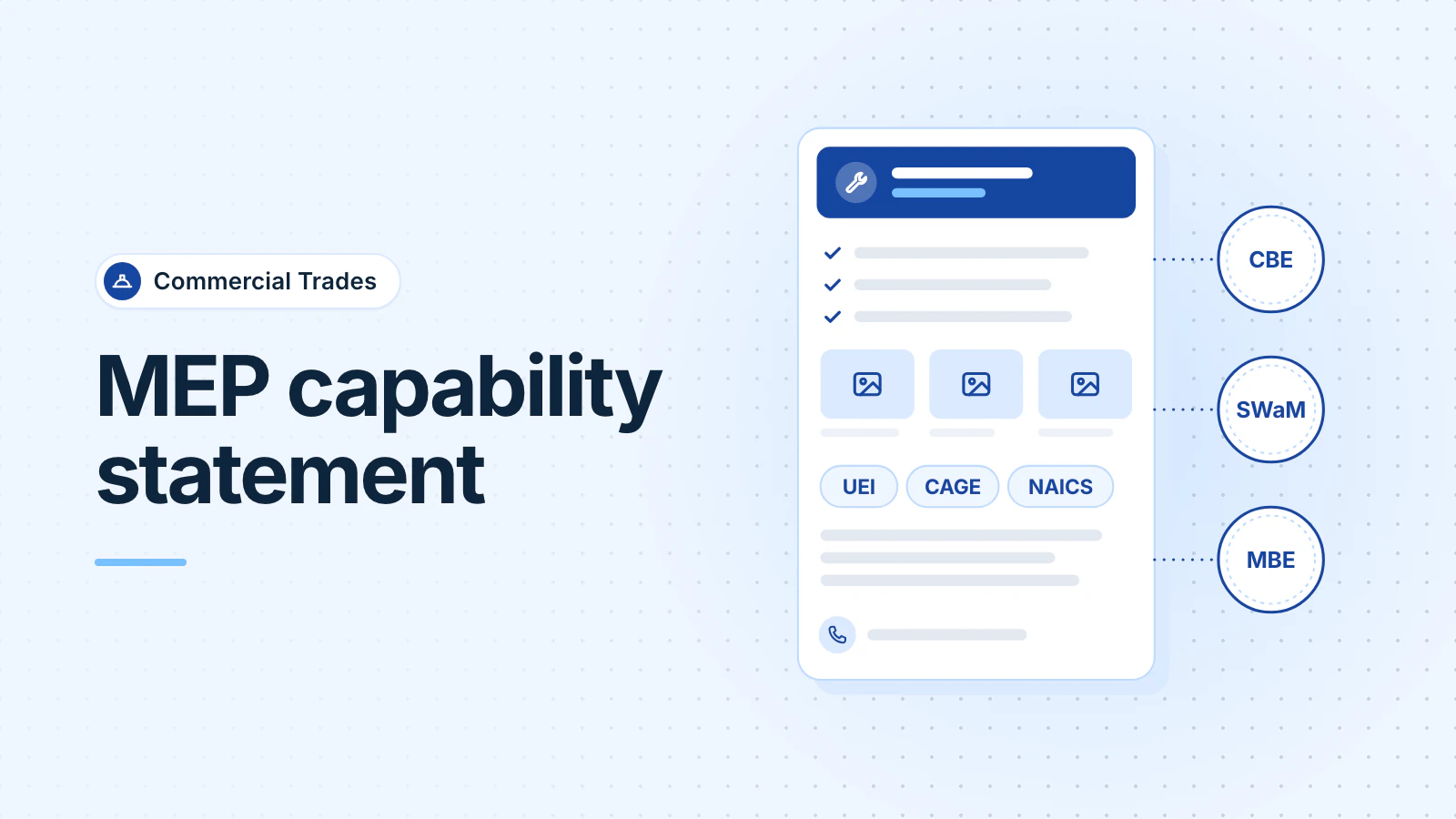
Start with one paperwork job and a person who checks the output. Good first jobs are drafts a person already reviews: a cover letter, a spec summary or a list of certificate expiry dates. A capability statement for an MEP contractor is another one, as long as every project fact comes from your own records.
Some paperwork doesn't need AI at all. Tracking certificate expiry dates or open lien waivers is a list with dates, and a small tool on software you already own can handle it. That's what our Office Automation service for trade contractors builds.
Frequently asked questions
Is Microsoft Copilot safer than ChatGPT for company documents?
It depends on the plan, not the brand. OpenAI says it doesn't train on ChatGPT Business or Enterprise data by default, and Microsoft says Copilot Chat prompts aren't used to train its foundation models when enterprise data protection applies. Free personal accounts work differently. Ask whoever manages your Microsoft 365 account which version your staff use.
Can AI answer electrical or plumbing code questions?
Treat its answer as a lead, not a ruling. AI tools can cite sections that don't say what they claim. Look up every reference in the code edition your jurisdiction has adopted, with its local amendments, and ask the inspector when it matters.
Updated .