Is Google's AI taking your website traffic, and how can you check?
By Capital Growth Studio · Published · 6 min read
Some pages lose clicks to AI summaries. Find where the drop is, and whether your leads fell too.
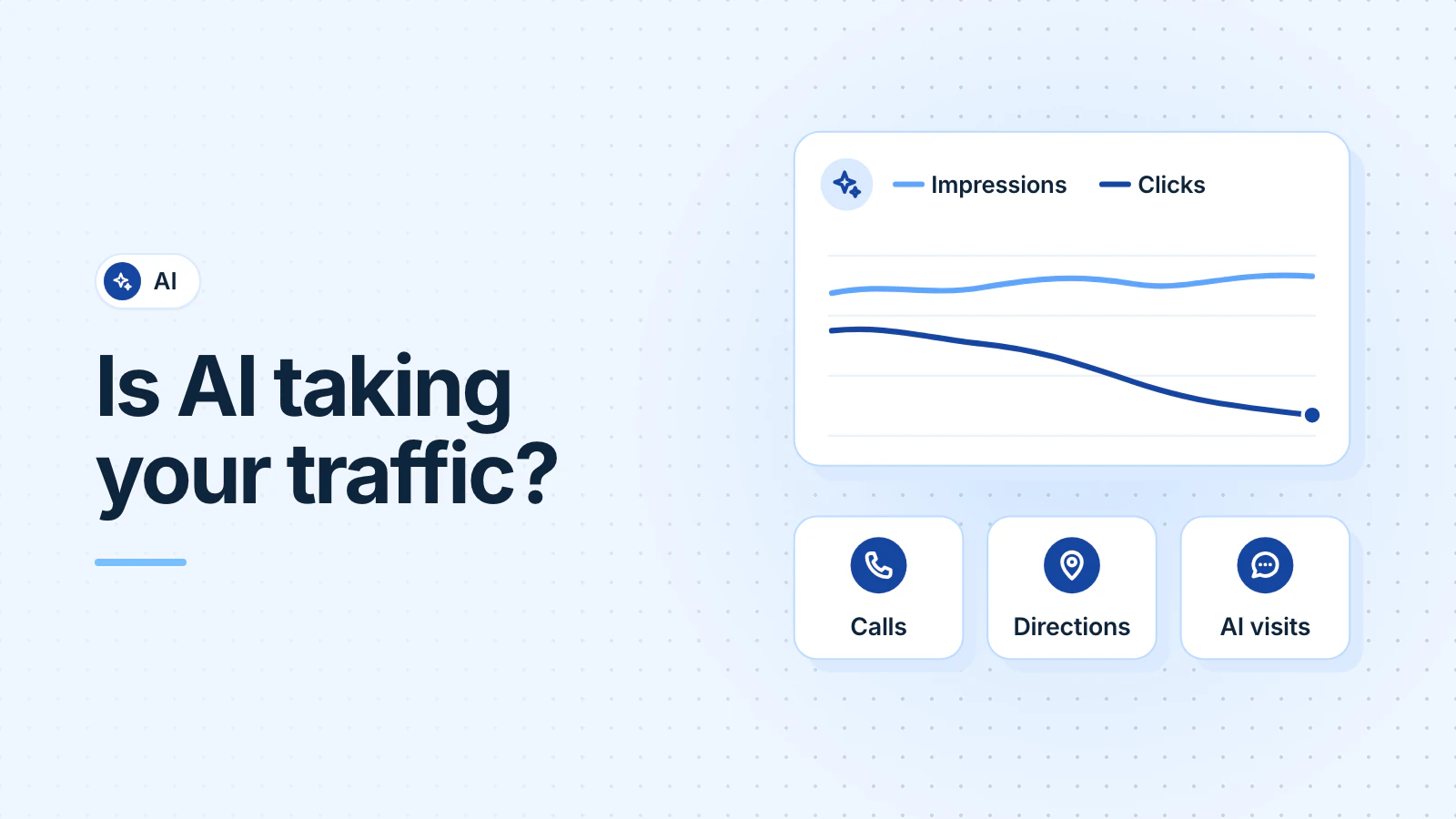
It can, for some pages. When Google shows an AI summary, people click fewer links, so pages that answer questions tend to lose visits first. But fewer visits doesn't always mean fewer customers. Compare clicks with impressions in Search Console, then count calls and direction requests from your Business Profile before you change anything.
Do AI Overviews really cut clicks?
In one independent study, yes. Pew Research Center tracked the browsing of 900 US adults in March 2025. People clicked a regular search result on 8% of visits to search pages with an AI summary, and on 15% of pages without one. They clicked a link inside the summary on only 1% (Pew Research Center, July 2025).
Google disputes studies like this. It says total organic clicks from Search to websites have been "relatively stable year-over-year". It also says traffic is shifting, so some sites lose visits and others gain them (Google, August 2025).
Both can be true for your site. And these features reach many people: Google says AI Overviews have over 2.5 billion monthly users, and AI Mode over 1 billion (Google, May 2026).
Which pages lose clicks first?
Pages that answer questions. In Pew's data, 8% of one- or two-word searches showed an AI summary, but 53% of searches with 10 or more words did. And 60% of searches that started with "who", "what", "when" or "why" showed one (Pew Research Center, July 2025).
So a page that answers "how much does a new furnace cost?" is likely more exposed than your "furnace repair in Rockville" page. Google says much the same: when people want a quick answer, they "may be satisfied with the initial response and not click further" (Google, August 2025).
How do you check clicks and impressions in Search Console?
Search Console is Google's free tool that shows how your site does in Search. It counts clicks from AI Overviews and AI Mode in its Performance report, together with your other search clicks (Google Search Central, October 2026). So start there (Search Console Help, October 2026):
- Open Performance, then Search results.
- Click the date filter and compare the last three months with the same three months last year. Demand changes with the seasons, so don't compare July with October.
- Open the Queries tab. Find the searches that bring customers, such as your service and a town.
- Compare clicks with impressions. Impressions count how often your site appeared in results.
Then read the pattern:
| What you see | What it likely means |
|---|---|
| Impressions steady, clicks down | People still see you but click less. AI summaries are one likely cause. |
| Impressions and clicks both down | You show up less. Check your rankings, recent site changes and demand. |
| Drops mostly on question or blog pages | The pattern Pew's data points to. Your service pages matter more for leads. |
What does Search Console's AI report show?
Google launched a Generative AI performance report on June 3, 2026 (Google Search Central, June 2026). Google says it had reached all websites by August 31, 2026. It shows how often your pages appeared in AI Overviews and AI Mode, by page, country, device and date (Search Console Help, October 2026).
It counts impressions only, not clicks. Use it to see which of your pages Google's AI answers show. If you can't find the report, Google says your site may not have enough appearances in AI features yet.
Are customers calling from your Business Profile instead?
Many local customers never open your website. They call or ask for directions straight from your Business Profile. Open your profile, choose Performance, and check calls, direction requests and website clicks for the same months (Google Business Profile Help, October 2026). These numbers include activity from Google Ads.
Since June 2026, you can also link Google Analytics to your Business Profile. Analytics then shows your profile's calls, direction requests and website clicks for the last six months (Google Analytics Help, June 2026).
If website visits fell but profile calls held steady, your customers may have skipped a step.
How do you see visits from ChatGPT and other AI tools?
In Google Analytics, open Reports, then Acquisition, then Traffic acquisition. Since May 13, 2026, Analytics groups visits from tools such as ChatGPT, Gemini and Copilot in an "AI Assistant" channel (Google Analytics Help: May 2026 release, channel list). For earlier visits, set the table to show the session source, and look for sources such as chatgpt.com.
Clicks from Google's own AI Overviews and AI Mode aren't in that channel. Analytics counts them as Organic Search. To get named in AI answers in the first place, see why ChatGPT recommends a competitor.
What should a local service business do about it?
- Measure leads, not visits. Count calls, form messages and direction requests each month. Our guide to visitors who don't call shows how to record calls and forms in Analytics.
- Keep service pages clear. Say what you do, where you work and how to book. Google says there are "no additional technical requirements" for AI Overviews or AI Mode beyond the usual ones for Search (Google Search Central, October 2026).
- Keep your Business Profile current. The same Google page lists an up-to-date Business Profile among the basics.
- Don't chase lost blog traffic for its own sake. A how-to page that lost readers but never brought calls hasn't cost you a lead.
- Ignore promises. Nobody can promise you a place in AI answers or a traffic recovery.
If you'd like someone to run these checks each month, that's part of our local SEO service.
Frequently asked questions
Is SEO dead because of AI?
No. Google says AI Overviews and AI Mode rely on the same SEO basics as regular search, with no extra requirements. What changes is how you measure it. Count leads, not only website visits, because some people get their answer on Google and call you from there.
Do clicks from AI Overviews show up in Google Analytics?
Yes, but not on their own. Google Analytics counts clicks from AI Overviews and AI Mode as Organic Search, mixed in with regular search clicks. Its AI Assistant channel covers tools like ChatGPT and Gemini, not Google's AI features in Search.
Can I keep my website out of AI Overviews?
Yes, but it costs you. Google says the controls are the same snippet settings, such as nosnippet and noindex, that apply to all of Search. So blocking AI Overviews also limits how your pages show in regular results. For most local businesses, that trade isn't worth it.
Updated .